The Death of the PDF Proposal
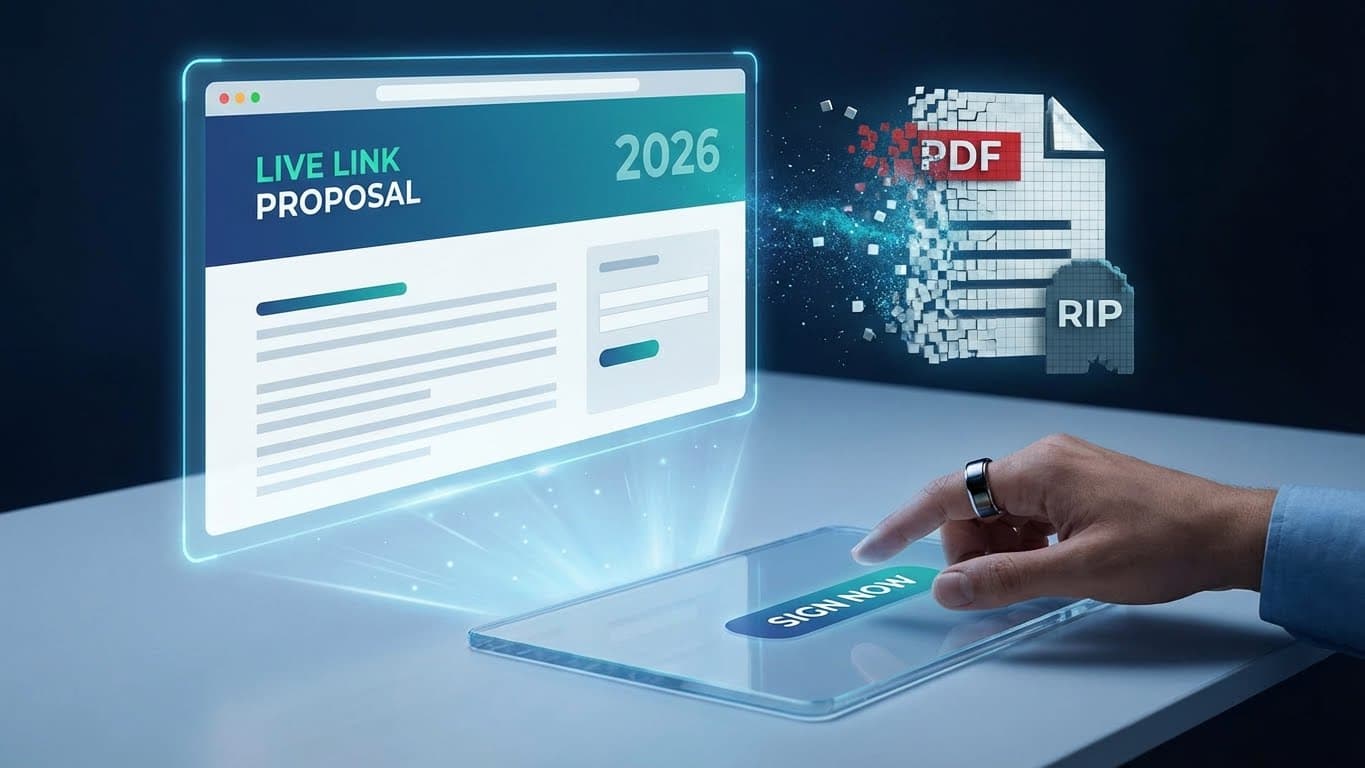
Why sending static PDF proposals is costing you deals in 2026, and how moving to live, interactive links changes the game.
Introduction
It’s 2026. We collaborate in real-time on Figma, we sync databases instantly with Supabase, and we hold meetings in 4K video from our phones.
So why are you still sending your most important business documents as static, dead PDFs?
The PDF proposal is a relic of the "print-then-sign" era. It’s hard to read on mobile, impossible to update once sent, and creates a friction-filled barrier between "I like this" and "I'm signed."
In this post, we’re going to explore why the PDF is dying, and why the future of freelance sales belongs to the Live Link.
The Friction of Files
Think about the steps required for a client to sign a traditional PDF proposal:
- Receive email.
- Download attachment (hope it doesn't go to spam).
- Open file.
- Read through static text.
- Decide they want to change one small thing (e.g., remove an optional add-on).
- Email you back.
- Wait for you to edit the Word doc, export a new PDF, and email it back.
- Download the new attachment.
- Open in a specific app that supports signing, or worse, print it out.
- Sign, save, and email back.
Every single step is an opportunity for the client to get distracted, reconsider, or simply procrastinate.
Friction kills deals.
Mobile Is Not Optional
More than 50% of emails are opened on mobile devices. If your proposal is an A4-sized PDF, your client is pinching and zooming on a tiny screen to read your pricing table.
It looks unprofessional. It feels archaic. And it signals that you aren't thinking about their experience.
A modern proposal should be a web page. It should reflow text for an iPhone, stack pricing cards for readability, and have a "Sign" button that is easy to tap with a thumb.
The Version Control Nightmare
"Final_Proposal_v2_EDIT_v3.pdf"
We've all been there. You send a proposal. The client wants to change the start date. You send an updated PDF. They want to remove the rush fee. You send another PDF.
Now, three weeks later, they decide to sign. But which file do they sign? Did they sign the one with the old date? The one with the rush fee included?
Static files create a fractured history. There is no "single source of truth," just a trail of email attachments.
The Live Link Advantage
This is why Manager List is built entirely around the concept of the Live Link.
When you create a proposal in Manager List, you aren't generating a file. You are generating a secure, unique URL.
1. It Evolves With the Conversation
During the discovery call, that link is your presentation deck. You toggle items on and off, and the price updates instantly.
2. It's Always Current
Client wants a change? You update it in your dashboard. The next time they refresh the link, the change is there. No new emails. No "v2" files.
3. It Transforms into the Contract
When the negotiation is done, you lock the proposal. That same link transforms into the signing portal. The client enters their name, and it's done.
4. It Lives Forever
Months later, that link is still active. It shows the signed agreement, the timestamp, and any subsequent amendments. It is the permanent home of that project.
Conclusion
The transition from files to links happened for music (Spotify vs. MP3s), for design (Figma vs. PSDs), and for documents (Google Docs vs. Word).
It is inevitable that it happens for proposals.
Stop sending dead files. Start sending live links. Your close rate (and your sanity) will thank you.
Frequently Asked Questions
- Can clients download a PDF record if they need to?
- Yes. While the primary experience is web-based for speed and interactivity, Manager List allows both you and the client to print the signed view to PDF for archival purposes.
- Is a digital link legally binding?
- Yes. Electronic signatures and digital acceptances are legally binding in most jurisdictions (like the ESIGN Act in the US). Manager List captures the signer’s name, timestamp, and IP address to create an audit trail.
- What happens if I change the proposal after they sign?
- You can’t. Once a proposal is locked and signed, it is frozen. To make changes, you must create an "Amendment," which tracks the changes as a new version that requires a new signature. This protects both you and the client.